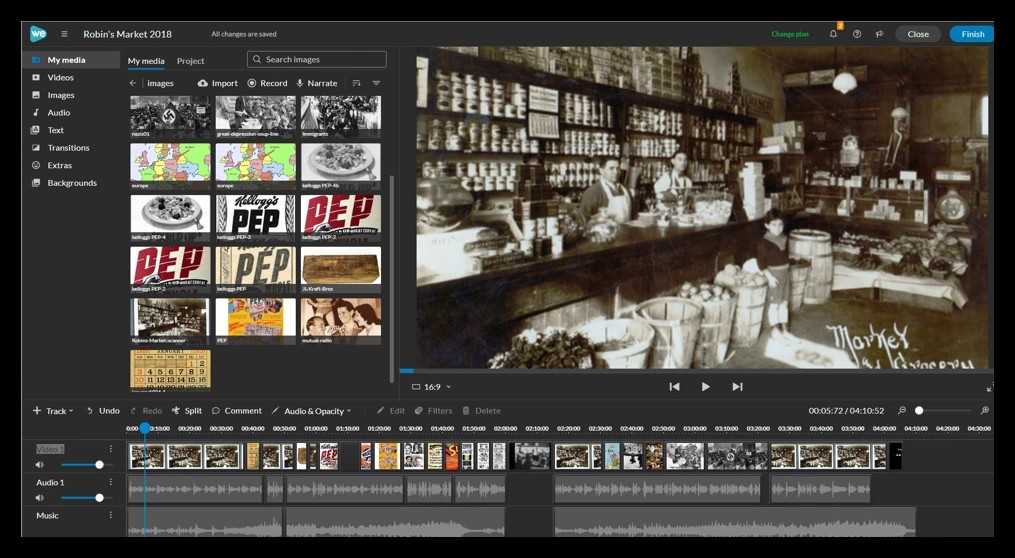
Why an Online Editor?
OLLI classrooms bring together students on Macs, PCs, Chromebooks, and tablets — often all in the same room.
WeVideo runs entirely in a web browser, so it works the same way for everyone regardless of what
computer they own, instead of splitting the class between Apple's iMovie (Mac-only) and a PC equivalent.
Windows Movie Maker, the obvious PC counterpart, was actually discontinued by Microsoft in 2017 and is
no longer available at all — a real gap for anyone without a Mac.
Because projects live in the cloud rather than on one machine, students can start a story on a laptop at
home and pick it up later on a different device with everything exactly where they left it — no file
transfers, no "which computer has my project" confusion, and nothing lost if a laptop has a bad day.
It also removes a lot of the tech-support burden from the classroom: one tool, one interface, one set of
tutorials, no matter what students bring to class.